Every drawing, decision and signature, in one register.
Owners, consultants and contractors work on the same project in Syncsyte: documents and revisions, RFIs and submittals, reviews and approvals, each with who did it, for which company, and when.
The document register, with every revision on the record.
Register drawings, specifications and reports with numbers your project defines. Each revision keeps its versions; nothing is overwritten.
- The revision letter in a drawing-style triangle beside every reference, from the register to the feed
- View PDFs in the browser and mark up the exact version
- Drop files anywhere to upload; every file is checked for malware first
- Bulk download as one ZIP, re-checked file by file

RFIs, submittals and correspondence that read like a conversation.
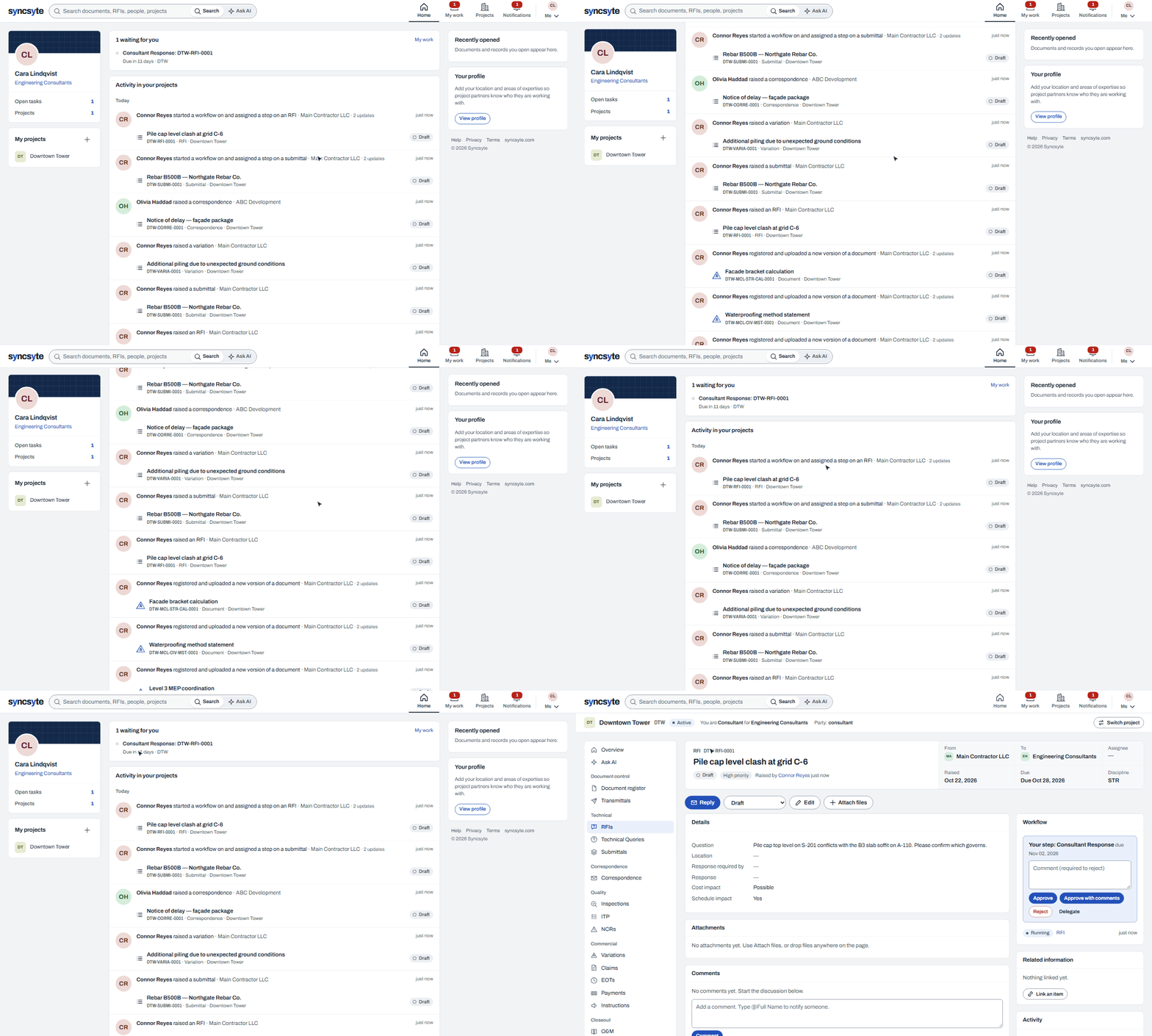
Sixteen record types out of the box, from RFIs to snags, plus your own. Each item shows who raised it, from which company to which, who holds it and when it is due.
- Threads, attachments and related items in one place
- Due and overdue stated in words, not only colour
- Forms, statuses and numbering configured per project

Reviews and approvals that route themselves.
Draw the workflow once: parallel reviews, conditions on value or discipline, rework loops and working-day deadlines. Publish it, and every submission follows it.
- Simulate a route and see who would receive each step today
- Reminders and escalations before anything goes overdue
- Templates you reuse across projects

Ask your project a question. Get an answer with its sources.
Ask in your own words. Syncsyte reads only the records you are allowed to open, answers with citations to each one, and remembers the conversation for follow-ups.
- Finds by meaning, not only by keyword
- Every claim links to the document or RFI it came from
- Never sees anything you cannot open

The people and companies behind the work.
Profiles and company pages show who you are working with and what they have done on the projects you share, and nothing from projects you do not.
- Profiles with role, company and areas of expertise
- Company pages with the people you meet on shared projects
- Activity limited to what each viewer may open

On site, on a phone.
The register, records and your open steps work at phone width, so the inspection and the RFI happen where the work is.

Every party sees exactly what they should. Nothing more.
Access is decided on every request: you, your organization, the project, the item, your role's permissions, then the file. Search and Ask AI follow the same rules.